Tutorial: Cline in VS Code with BangunWeb tokens
1:24
Install Cline, choose OpenAI Compatible, enter the router URL and key, pick bw-swift, and let the AI write code.
Still stuck?
Ask our admin, or post your question in the comments.
Chat with adminComments
Log in to comment with your BangunWeb account.
No comments yet. Ask the first question.
Watch next
-
Build your first website with BangunWeb Code
-
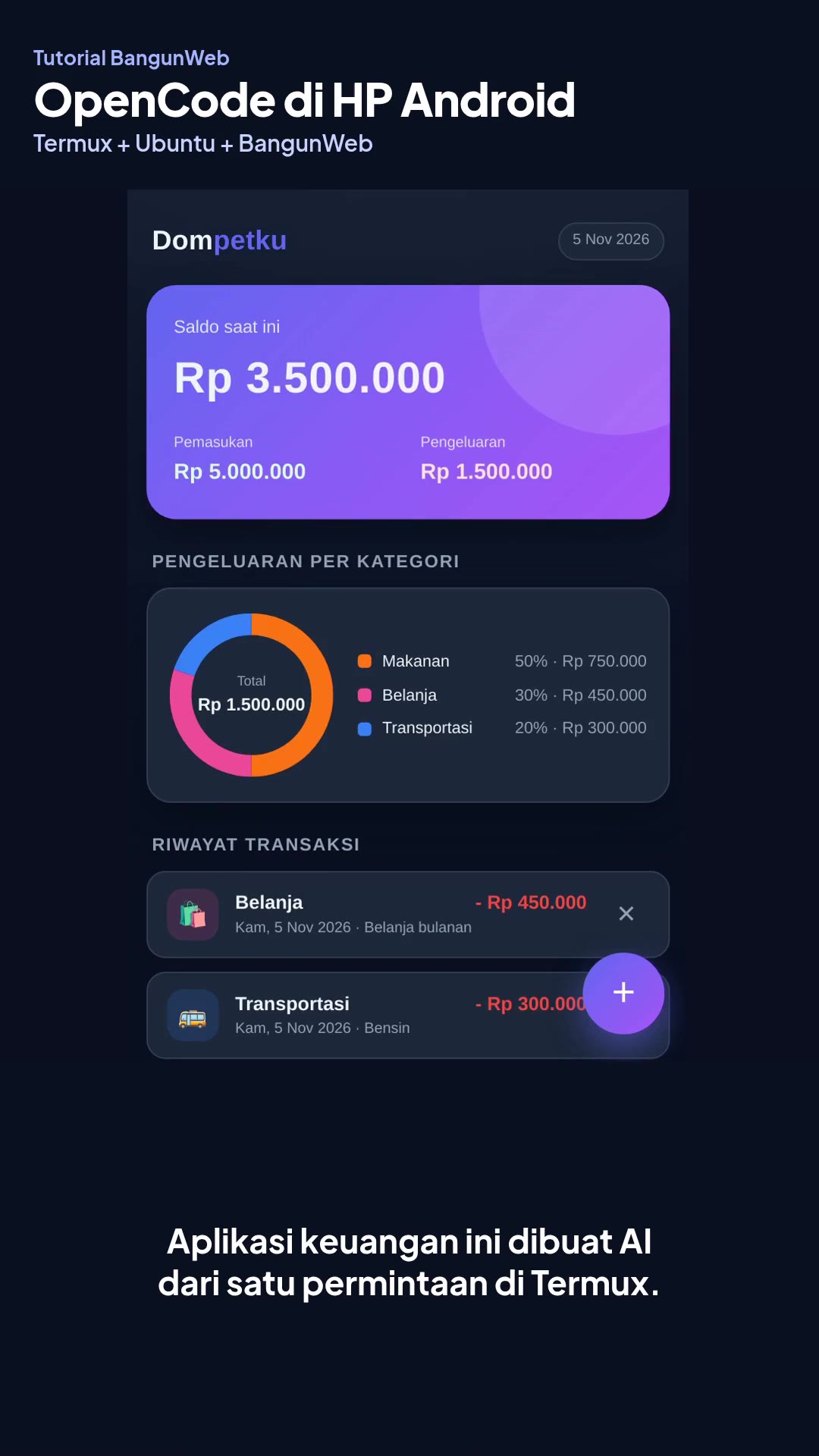
Build an app from an Android phone with OpenCode (Termux)
Install OpenCode on an Android phone through Termux, then build an app from one prompt.
-
Choose your AI model in OpenCode with one command
Update the model list, set your model, and check which model actually answered. Your API key and MCP stay safe.
-
Add your API key to Hermes Agent
Connect Hermes Agent to AI Router with the hermes model command, until the AI replies.
-
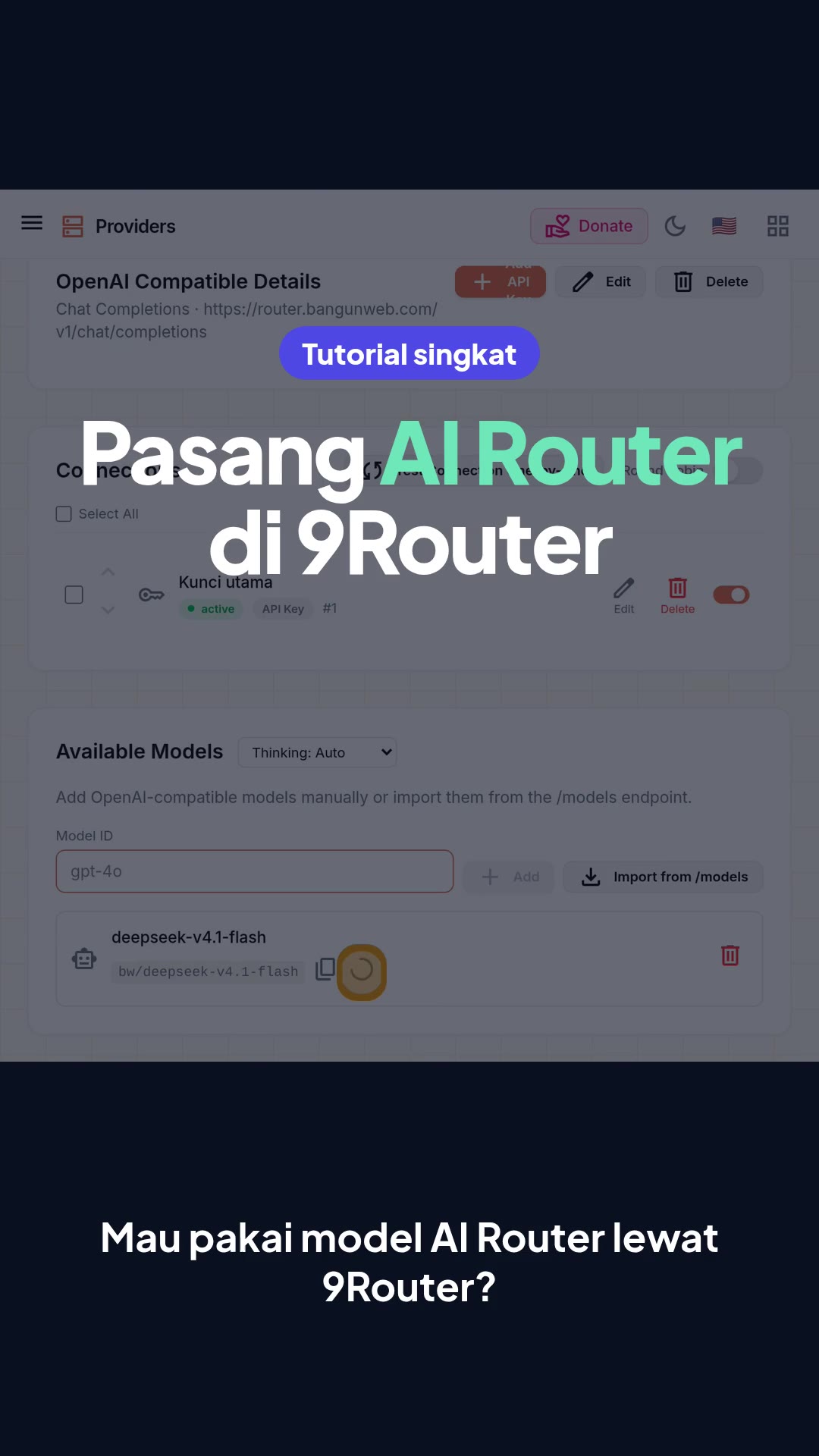
Add AI Router to 9Router
Connect 9Router to AI Router until the model test passes, including the one step people often miss.
 1:33
 3:33
 1:26
 1:31
 2:04